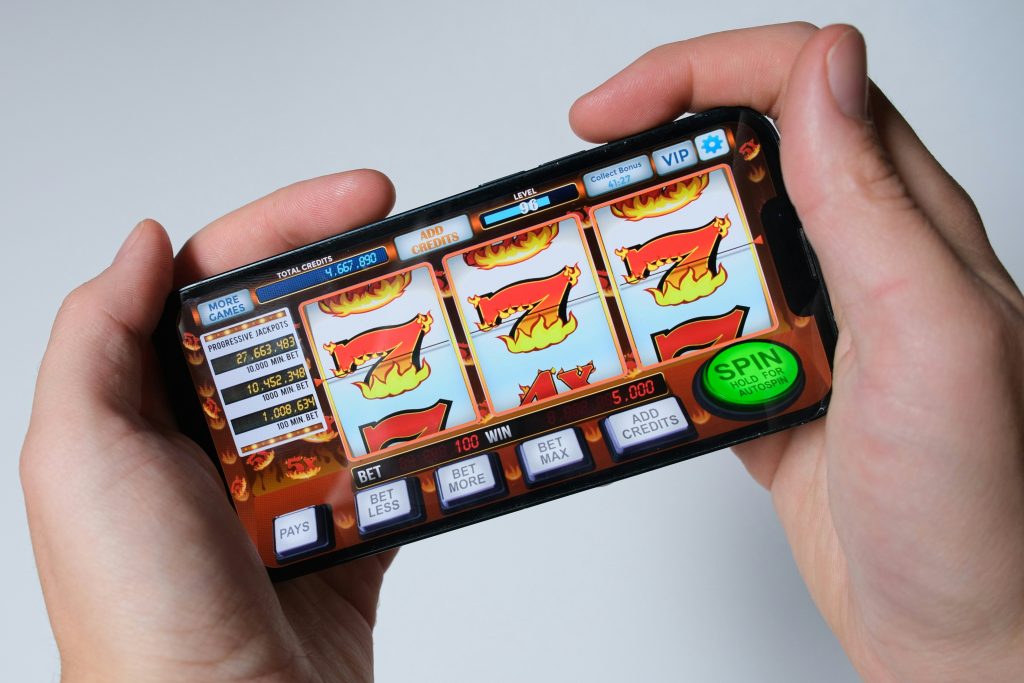
How to Check an MMY Game APK Download Before Installing
Searching for an MMY Game APK download usually means you want to access the mobile experience on an Android phone. Before installing any APK, pause to check where the file comes from, whether its details match the app you intended to get, and what your device is asking you to approve. A download button alone is not proof that a file is authentic or safe.
Start with the download source
Use the download route that the platform itself currently identifies, and pay attention to the domain shown in your browser before you tap a button. Be cautious of copied pages, shortened links, pop-ups that open new tabs, or download prompts that suddenly ask you to install a second application. If a page claims to provide an “official” or “latest” MMY APK, verify that claim against information available from the service rather than relying on the wording of an advertisement. The MMY APK information homepage is the starting point on this site for the current download journey; the actual destination and file details should still be reviewed before proceeding.
Confirm file identity and version
Before opening a downloaded file, check its displayed name, file extension, size and version information where available. A file name can be changed easily, so do not treat the name or icon as proof of authenticity. If the service publishes a version number or release date, compare it with the details shown for the file. Be wary of pages that pressure you to install immediately while withholding basic information. Avoid “mod APK”, “unlocked APK” or modified files unless you can independently establish their legitimacy; modifications can change an app’s behaviour and may expose your device or account.
Check Android compatibility first
An APK may fail to install because the Android version, device architecture, available storage or package format is not compatible. Keep enough free storage for the download and installation process, update Android when appropriate, and close unnecessary apps if the device is low on space. If Android reports that the package cannot be parsed or the app is not compatible, do not keep downloading random copies from different websites. Re-check the source and the requirements instead. These checks are useful for any Android app, including users researching the MMY latest version.
Understand “install unknown apps” settings
Android may require permission for a particular browser or file manager to install an APK obtained outside an app store. Granting this permission allows that source to initiate installations; it does not verify the downloaded file. If you choose to continue, allow the permission only for the source you intend to use and review the setting afterwards. Do not disable device security features simply because a page tells you to. If an installation prompt appears unrelated to the app you expected, cancel it and investigate.
Review requested permissions
An app’s permissions should make sense for the functions you plan to use. Read prompts carefully and decline permissions that appear unnecessary for the feature being accessed. Permission names and behaviour can differ by Android version, so check the device settings after installation as well. Avoid granting accessibility access, notification access, SMS access or broad file access without understanding why the app requests it. A permission prompt is not a routine box to click through; it is a decision about what the application can do on your device.
Protect login details and OTPs
If the app asks you to sign in or register, use a unique password and keep it private. Never share a one-time password (OTP), password-reset link or verification code with someone claiming to be support. Be alert to messages asking you to install a remote-access app, share your screen or send a payment to “verify” your account. If you use the same password on other services, change it there too if you suspect it has been exposed. For information about the website’s handling of personal information, review the MMYAPK privacy policy and decide whether its disclosures match your expectations.
What to do if installation fails
First, record the exact Android error message. Check the download completed, storage is available, the package is intended for your device, and the source is the one you meant to use. If Android says the app conflicts with an existing package, avoid removing an existing app or clearing its data until you understand the consequences and have considered any data you need to retain. Do not install a “fixer” or APK installer from a pop-up. When in doubt, stop and seek guidance through a verified support channel.
A short pre-install checklist
Before proceeding, confirm all of the following: (1) you recognise the website and destination; (2) the file and version information are consistent; (3) the file completed downloading; (4) your Android device meets the stated requirements; (5) you understand any request to install from that source; (6) permissions appear proportionate; and (7) you know how to remove the app and revoke permissions if needed. If any item is unclear, do not rush the installation.
FAQs
Is an MMY Game APK download automatically safe?
No. Safety depends on the source, the actual file, its permissions and how it behaves. A familiar name or download button is not proof of authenticity.
Why does Android ask permission to install an APK?
Android may require you to allow a specific browser or file manager to install apps from that source. This permission does not certify the APK as safe.
What should I check before installing the MMY latest version?
Compare available version details, check device compatibility and storage, review permissions, and avoid modified files or unexpected installer prompts.
What if the APK will not install?
Read the exact error, confirm compatibility and download integrity, and re-check the source. Avoid random mirror downloads or third-party “fixer” apps.